CYNDUSTRIES The signal path, taken slowly.

Home / Building A Rig

Building A Rig

Power Before Modules

Size your power supply before you choose a single module — rail sag and ripple will cost you more than the headroom does.

By the Cyndustries bench · Building A Rig · 7 min read

Fed by

Nothing yet — this is a loose jack. It is a legitimate place to start.

The Rail Is Not a Reservoir

Every module in a Eurorack or 5U case draws current from a common set of supply rails — typically +12 V, −12 V, and +5 V in Eurorack, or ±15 V in 5U. The power supply's job is to hold those voltages steady regardless of what the modules are doing. That sounds simple. In practice, two things work against it: sag and ripple.

Rail sag happens when total current demand approaches the supply's rated output. At that point the voltage begins to droop — not to zero, not catastrophically, but by enough to matter. An analog oscillator calibrated at a healthy +12 V will detune when the rail drops to +11.7 V under load. A precision voltage reference inside a quantizer will produce subtly wrong values. These effects are not dramatic; they are insidious, and they are very difficult to diagnose once the case is full of modules. The standard advice to stay within 70–80 % of rated capacity is not conservatism for its own sake. It is the region where the regulator is doing its job properly rather than coasting on its thermal limits.

Ripple is the other problem. A switching power supply — the kind inside most Eurorack busboards — produces a small, fast AC component riding on the DC rail. Well-designed modules filter this at the input; poorly designed ones, or modules with marginal filter capacitors, let it through. At audio rates, power-supply ripple becomes audible noise: a faint whine whose frequency tracks the switcher's oscillator. At lower frequencies it can appear as modulation artifacts. The practical point is that a supply running close to its current limit generates more ripple than one running with headroom. Headroom is not just about avoiding brownout — it is about keeping the rail quiet.
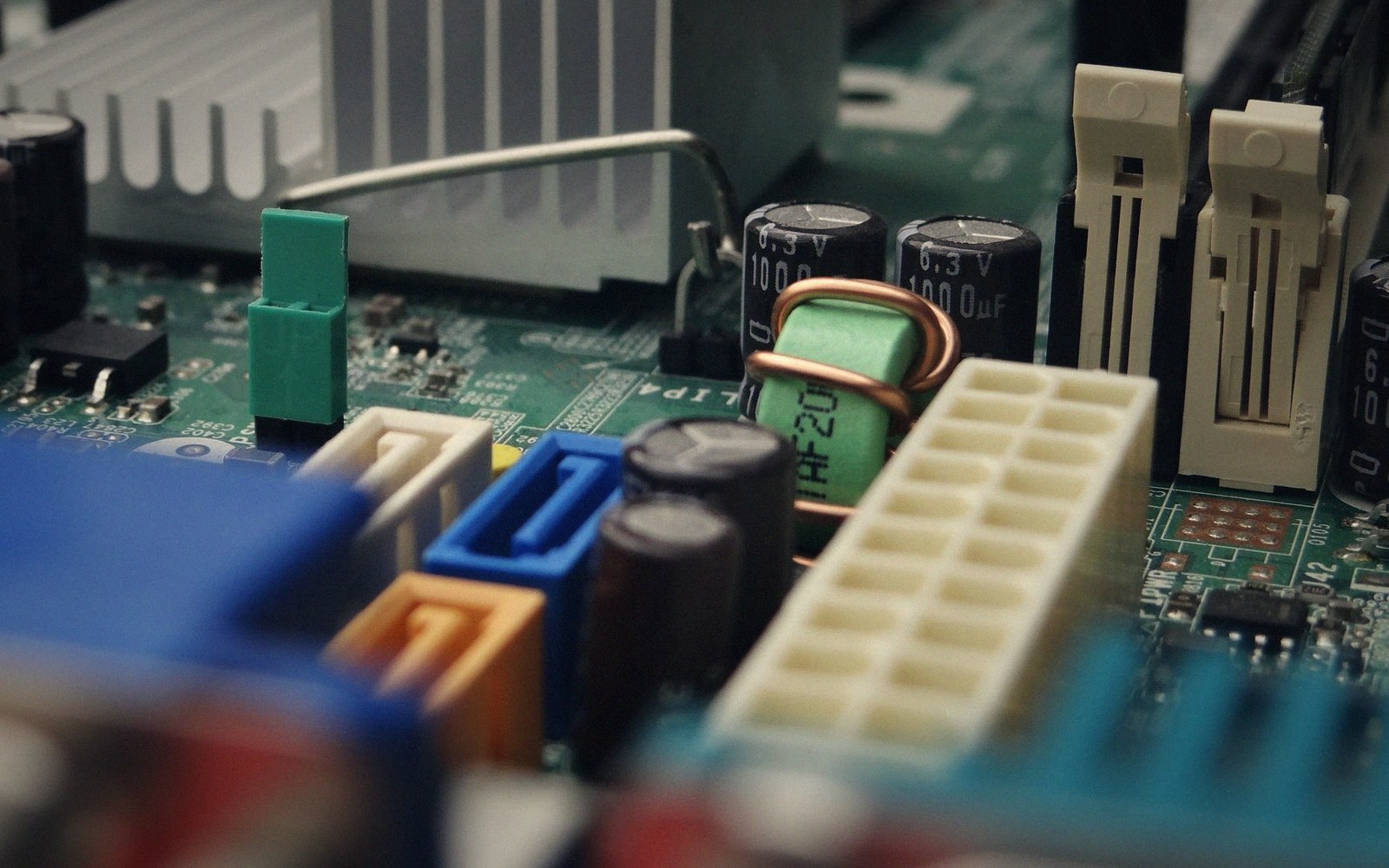
Close-up of a computer motherboard showing capacitors, connectors, and a heat sink
Size your power supply before you choose a single module — rail sag and ripple will cost you more than the headroom does. — Photo: Djenz Van Eysendeyk / Pexels

How to Think About Headroom, Before You Have Modules

The usual starting point is to add up the current specifications for every module you plan to install and compare them to the supply's rated output per rail. That is necessary but insufficient for two reasons.

First, specifications are almost always peak figures, not typical figures. A VCO might draw 30 mA at rest but pull a brief surge when first powered or when driven hard. A module with an LED matrix pulls differently depending on how many LEDs are lit. If every module in a fully loaded case happens to surge at the same moment — during power-on, for instance — the combined inrush can briefly exceed a supply's current rating even when the steady-state sum does not. A supply with headroom absorbs this; one running at 95 % of capacity does not.

Second, you will not stick to your original module list. A half-populated case grows into a full one, and the add-on module is almost never the one you planned for. Designing to 70 % of rated capacity on day one means you can add roughly 40 % more load before you're forced to think about power again. Designing to 90 % means the third new module breaks the budget.

A practical rule: if your initial module list totals X mA on the +12 V rail, choose a supply rated for at least 1.5× X mA on that rail. The −12 V rail is typically loaded more lightly, but follow the same principle — many analog filter modules and VCAs have non-trivial negative-rail demands, and the two rails on most supplies are not independently regulated to the same current limit. When one rail sags, the other often follows.

The +5 V rail deserves separate attention. Digital modules — sequencers, MIDI interfaces, modules with microcontrollers — can draw heavily on +5 V while barely touching ±12 V. If your build leans toward digital, audit the +5 V column of every module's specification carefully. Some busboards derive +5 V from the +12 V rail with an onboard regulator, which means +5 V demand actually appears as additional +12 V demand, making the headroom calculation murkier. A supply with a dedicated +5 V output from the primary transformer is cleaner for digital-heavy rigs.

Close-up of a computer motherboard showing capacitors, connectors, and a heat sink
Size your power supply before you choose a single module — rail sag and ripple will cost you more than the headroom does. — Photo: Djenz Van Eysendeyk / Pexels

What the Busboard Actually Does

The supply provides regulated voltage; the busboard distributes it. These are separate problems. A good supply fed through an undersized or poorly laid-out busboard will still produce voltage drop at the end of a long trace run, because even copper wire has resistance. Modules near the supply connector will read the correct voltage; modules at the far end of the bus will read slightly less. In practice this rarely causes catastrophic failure, but it is another reason not to run the rails hot — the module furthest from the connector already has less margin than you think.

The busboard's decoupling capacitors — the small ones placed close to each power header — are what absorb local transients before they travel back up the bus and become noise for every other module. A busboard with inadequate decoupling is a noise-injection network. This is not something you can change without a soldering iron once the case is built, which is another argument for choosing the supply and busboard as a considered pair before any module ever gets mounted.

Size the power before you size the case. Everything else follows from a quiet, stable rail.

Key relationships

  • Rail sag — voltage drop on a supply rail when load current approaches the rated maximum; causes detuning in analog oscillators and errors in voltage references
  • Ripple — small AC component on a DC supply rail, a byproduct of switching conversion; increases as the supply approaches its current limit
  • Headroom — the margin between actual load and rated capacity; 70 % loading leaves meaningful headroom; 90 % does not

Follow a cable